GuidesAuthenticationWallets
Keplr
Install Keplr, create or import a wallet, and add Terp Network
Keplr
Keplr is the recommended browser extension for CosmWasm / Cosmos chains, including Terp Network.
1. Install
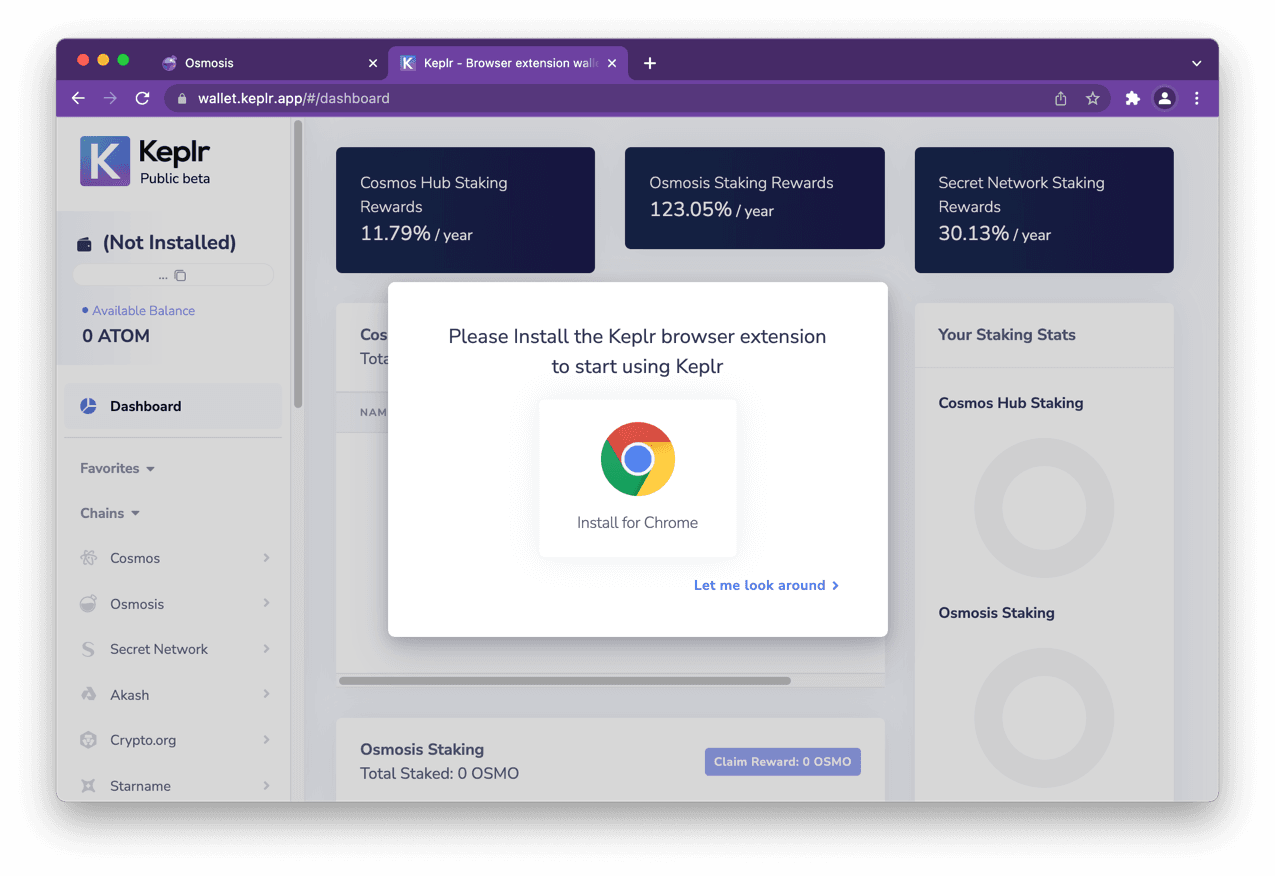
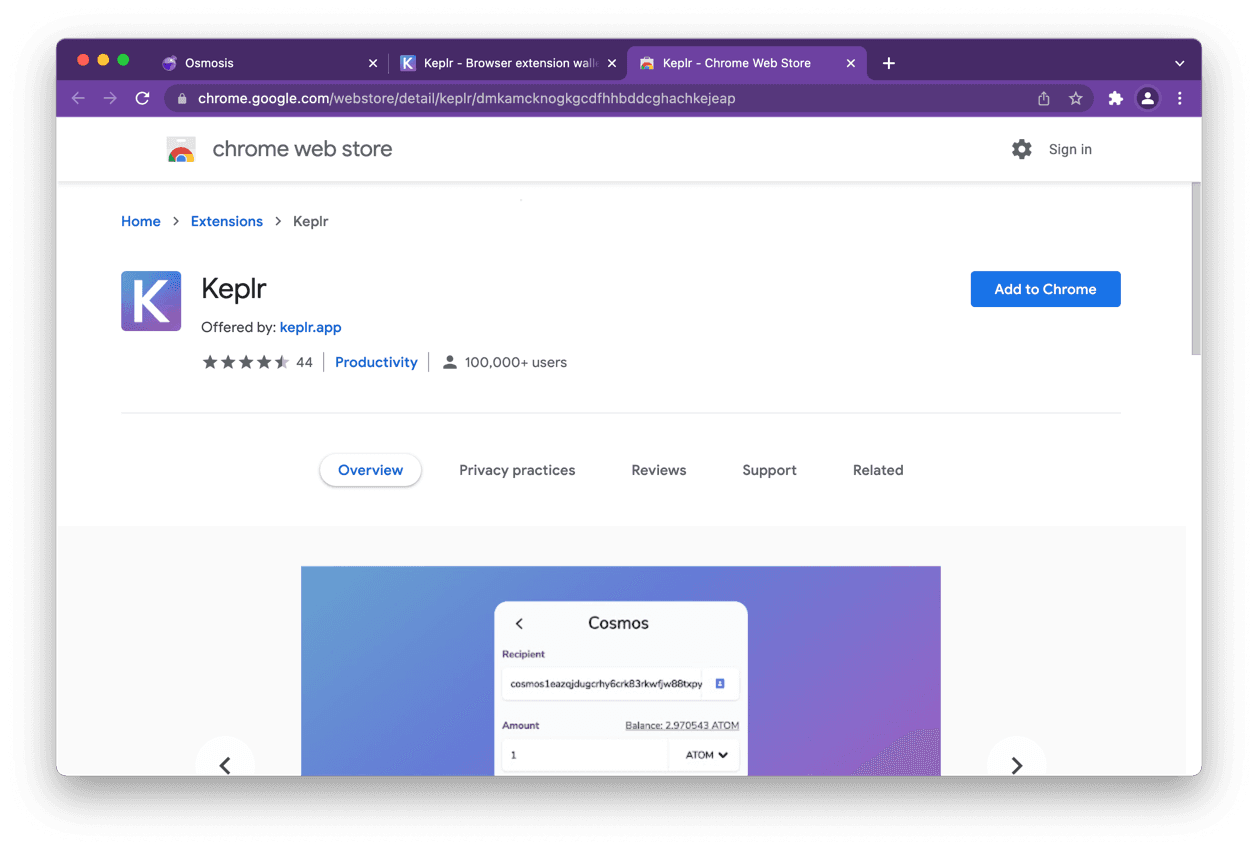
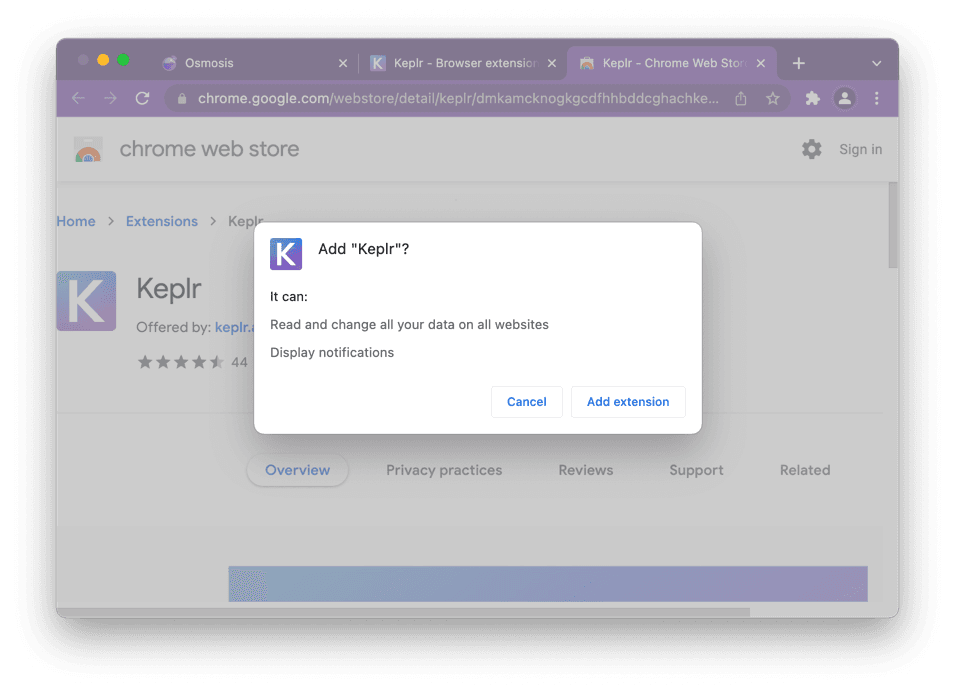
- Open https://www.keplr.app/ and install the extension for your browser (Chrome / Brave / Edge supported).
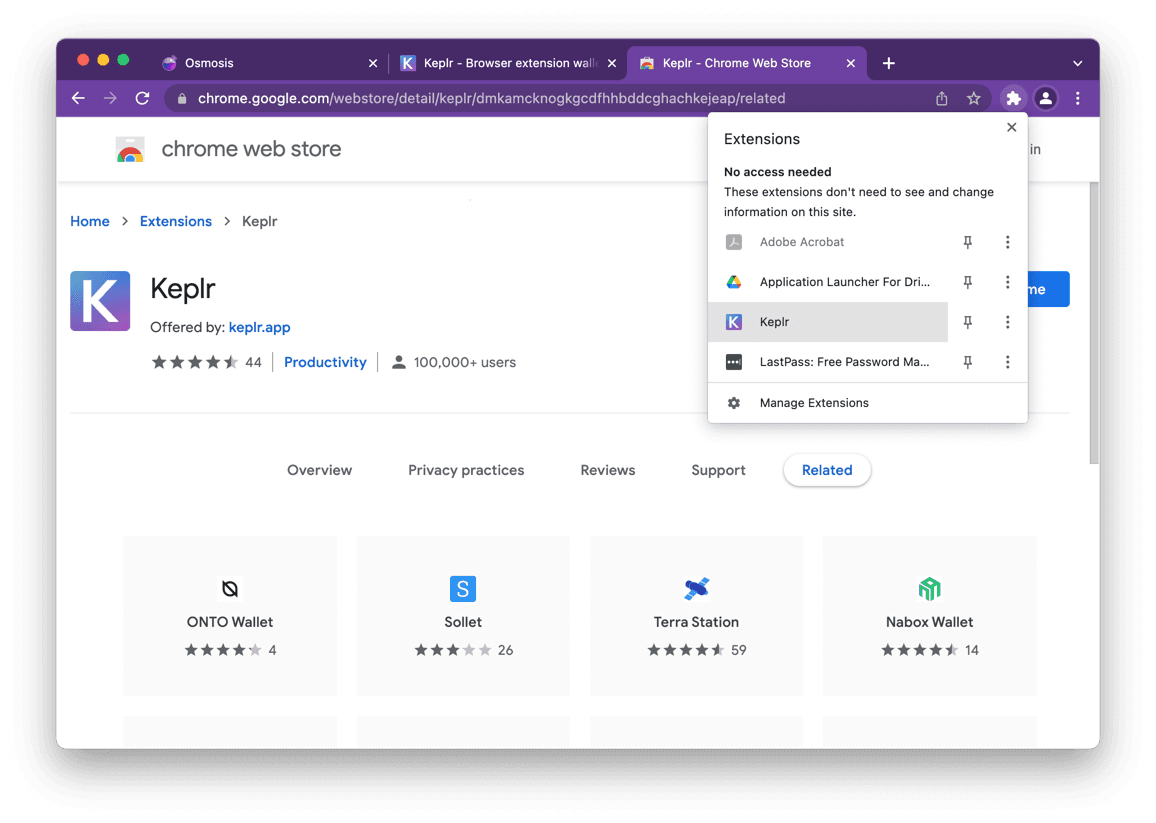
- Confirm the extension pin in the browser toolbar.
2. Create or import an account
On first open, Keplr offers:
| Option | When to use |
|---|---|
| Create new account | New seed (12/24 words) |
| Import existing account | Restore from mnemonic or private key |
| Import Ledger | Hardware key (see Ledger) |
| Social / one-click | Convenience only — understand recovery model before funding |
Seed phrase safety
No team will ever ask you for your mnemonic. Anyone who does is a scammer. Write the phrase offline and store it offline.
Create with a new mnemonic
- Choose Create new account.
- Record the 12- or 24-word phrase in a secure offline place.
- Set a local wallet name + unlock password.
- Confirm the phrase order → Register.
Import existing mnemonic or private key
- Import existing account.
- Choose mnemonic (12/24) or private key; enter carefully (lowercase, correct order).
- Set name + password → Next.
3. Add Terp Network
Keplr may pick up Terp from the chain registry. If not:
- Open Keplr → chain list → Add chain / manage chains.
- Select Terp Network when listed, or add manually:
| Field | Mainnet |
|---|---|
| Chain ID | morocco-1 |
| RPC | https://rpc.cosmos.directory/terpnetwork (or your node) |
| REST | https://rest.cosmos.directory/terpnetwork |
| Bech32 prefix | terp |
| Coin denom | uthiol / display THIOL |
- Approve connection when a dApp or this docs site prompts.
Testnet: chain ID 90u-4 (confirm endpoints from public resources).
4. Fund and try a transfer
- Testnet faucet: see Quick start
- Send a small transfer to yourself to confirm RPC + fees
Next
- Key safety
- Ledger
- Authenticators for programmable auth
- Libraries for CosmJS / app integration